Arduino Training Certification Training Course In Mumbai

At LivetechIndia you can apply for our Arduino Training & get opportunities to get hands experience. Perfect kick start for project ideation Arduino Training course contains the knowledge of Electronics , programming and prototyping to help students to start their Embedded journey.

Book a Live Demo For free

Edit Template

Apply for our Arduino Training & get opportunities to get hands experience.

Arduino Training

Perfect kick start for project ideation

Arduino Training course contains the knowledge of Electronics , programming and prototyping to help students to start their Embedded journey.


Our Recent Placement

1000+ Google Reviews 600+ Sulekha Reviews

Students Trained
0 +
College trainings
0 +
Average Salary Hike
0 %
Highest Salary Received
0 LPA

Arduino Training - Overview

This course will provide a thorough knowledge of fundamental embedded concepts along with hands-on training. Following this course, students will be able to readily automate their IOT concepts into hardware.  

The course was thoughtfully created by professionals in the field to bridge the knowledge and experience gaps between students and professionals.

Who Can Apply For This Course

Engineering Students

Electronics Engineer

ExTc Engineer

Computer Science Engineer

Electrical Engineer

Mechanical Engineer

Professionals & Everyone who wants to make their career in Embedded System & IoT

Software Developers

Hardware Enginers

System Designers

Course Content

  • Software Installation
  • Controller Understanding
  •  LED Blink
  • Lighting Patterns
  • Button With LED
  • DC Understanding
  • Dimmer Application
  • Concept of PWM
  • Fading of LEDs
  •  Keypad Integration
  •  Project 1 : Safety Door
  • Servo Interfacing
  • Project 2:Automated Trash can 
  • Integration of LDR
  • Project 3: Automatic Night Lamp

  • Project 4: Smart Watering System

  • Project 5:Vehicle Collision Alarm 

  • Capstone Project Ideation 

  • Revision

Skills you will learn

Programming Languages - C

Electronics component introduction

circuit fundamentals

prototyping

System integration

Logic building

100% JOB PLACEMENT

Our Students Placed In

Unlock Embedded system Jobs in Mumbai

Why Choose LivetechINDIA?

Highlighted projects

Automated Trash can

Safety Door

Vehicle collision alarm

Smart watering system

Automatic night lamp

1000+ Google Reviews | 600+ Sulekha Reviews |

1000+ People rated 5* | Top-rated training institute for Full stack Development in Andheri

[grw id=458]

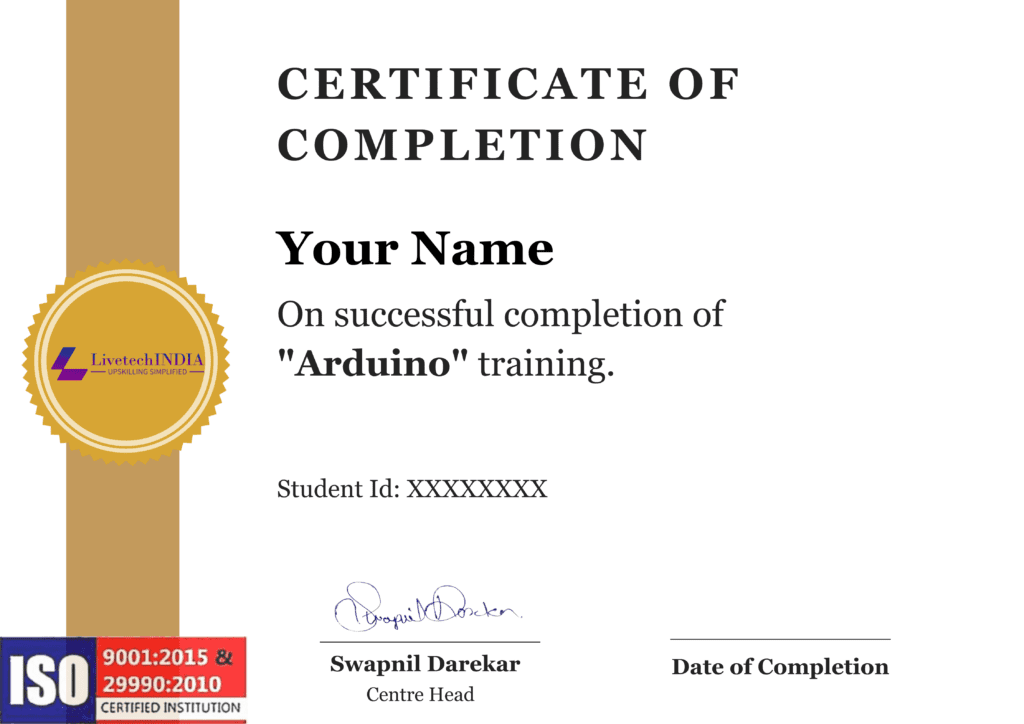
Get your Certified with Embedded System with Arduino Training by LiveTechIndia

Become a certified Ardunio with our specialized training program!

Frequently Asked Questions

Arduino is an open-source electronics platform based on easy-to-use hardware and software. It consists of a physical programmable circuit board (often referred to as a microcontroller) and a development environment that allows you to write and upload code to the board.
Arduino was created by a team of engineers: Massimo Banzi, David Cuartielles, Tom Igoe, Gianluca Martino, and David Mellis.
Arduino can be used for a wide range of projects, from simple LED blinking and sensor applications to more complex projects like robotics, home automation, and interactive art installations.
Arduino uses a simplified version of C++ for programming. The Arduino Integrated Development Environment (IDE) provides a convenient interface for writing, compiling, and uploading code to Arduino boards.
An Arduino board is the physical hardware that contains the microcontroller, input/output pins, and other components necessary for the board to function. Popular Arduino boards include the Arduino Uno, Arduino Nano, and Arduino Mega.
Arduino boards can be powered using a USB connection from your computer, an external power supply, or a battery. The voltage and current requirements depend on the specific Arduino board and the components connected to it.
Yes, Arduino is designed to be easily interfaced with various sensors, actuators, and electronic components. This allows you to create projects that can sense and respond to the physical world.
To upload code to an Arduino board, you connect the board to your computer using a USB cable, open the Arduino IDE, write or open your code, and then click the “Upload” button. The code is compiled and transferred to the Arduino board.

Yes, Arduino is known for its beginner-friendly nature. The open-source community and extensive documentation make it accessible for people with varying levels of experience in electronics and programming.

Download PDF